
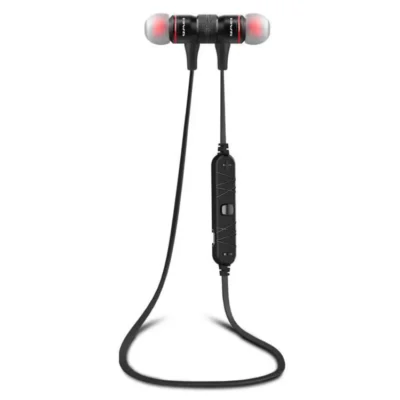
Awei A920BL/B926BL Wireless Bluetooth Earphone
How to connect the A920BL earphone: For you use this earphone first time, Please follow those step: 1. Open your phone bluetooth button; 2. Long press the A920BL earphone ON/OFF button(More then 6 seconds) till both of the red and blue led bright; 3. Wait you phone find the A920BL earphone; 4. If you phone found the A920BL device, please click it, then your phone will connect it auto;
Note: Please make sure the A920BL is enough power when you do the steps
How to connect the A920BL earphone: For you use this earphone first time, Please follow those step: 1. Open your phone bluetooth button; 2. Long press the A920BL earphone ON/OFF button(More then 6 seconds) till both of the red and blue led bright; 3. Wait you phone find the A920BL earphone; 4. If you phone found the A920BL device, please click it, then your phone will connect it auto;
Note: Please make sure the A920BL is enough power when you do the steps